
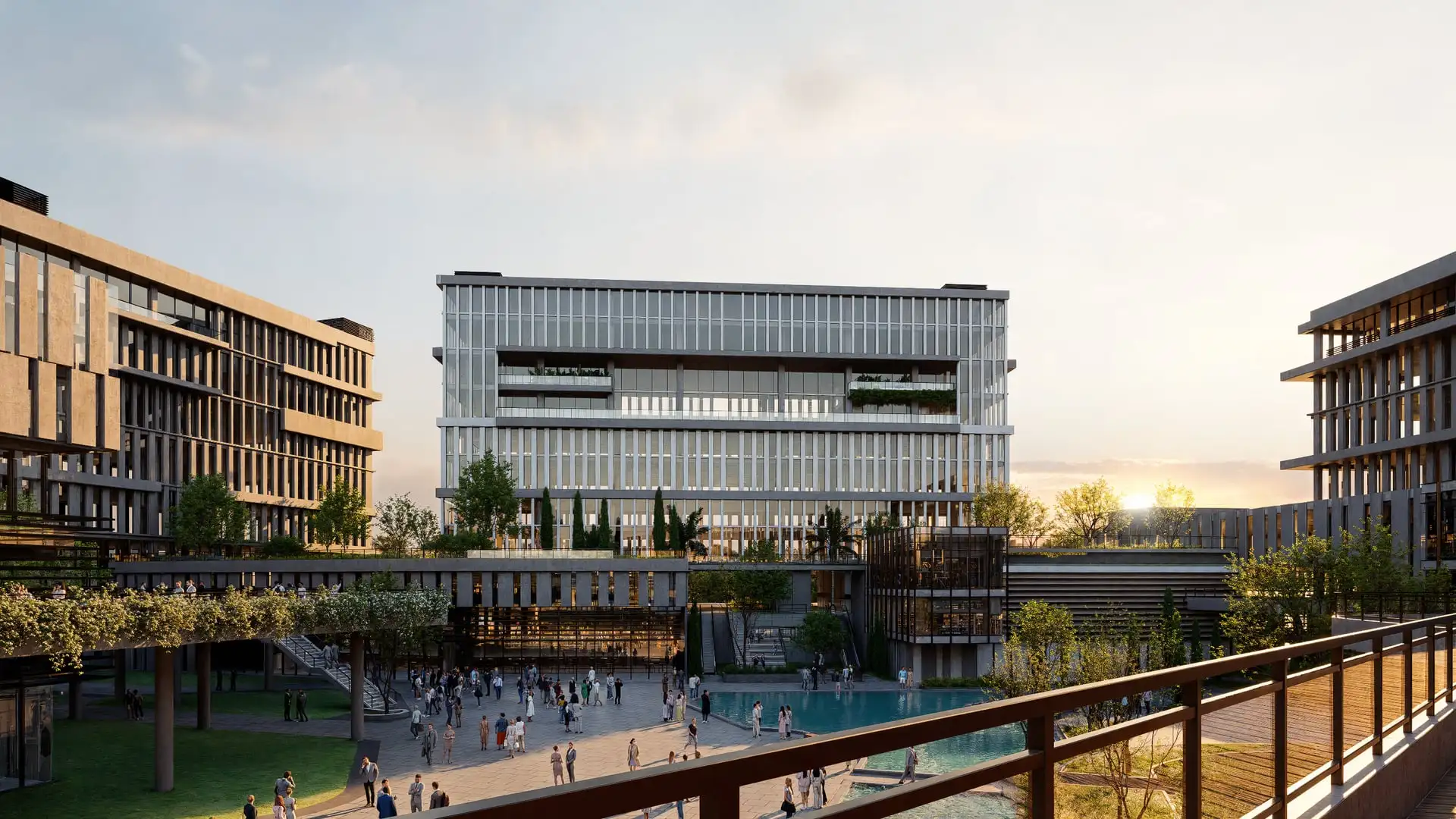
UE5 walkthrough vs still renders · 8 min read
UE5 Walkthroughs vs. Still Renders: When Animation Is Worth the Budget
When Unreal Engine 5 walkthroughs help—and when photoreal stills are the smarter buy for boards, brokers, and investor decks from The Render Café.
Stills and walkthroughs answer different questions
A planner packet needs images that survive print and a zoomed PDF. A sales gallery needs motion so a prospect understands how the amenity deck connects to the lobby. Buying a UE5 walkthrough because a competitor posted a reel—or buying only stills when circulation is the product—wastes money either way.
We have scoped both formats for sixteen years. Our default advice: pick the format for the decision in front of you, not for the tool that looks newest on LinkedIn.
Hypothetical scope: mid-rise pre-sales
Imagine a hypothetical 180-unit tower with a stacked amenity floor. Brokers need five hero stills for portals and print. Ownership also wants a 75-second path from drop-off through the club level so investors can feel the amenity premium.
A package we would commonly recommend is hybrid: V-Ray or Corona stills for the five marketing heroes, plus a UE5 walkthrough for the amenity sequence. Same art direction, two delivery types. That is usually cheaper and clearer than a five-minute cinematic nobody finishes watching.
What you typically get
Still-first packages usually include:
• 3–8 art-directed exterior and/or interior frames at marketing resolution.• Locked cameras after a draft round.• Material and landscape pass matched to your drawings.
UE5 walkthrough packages usually include:
• A navigable or recorded path (often 60–90 seconds for launch).• Basic lighting and materials suitable for spatial clarity—not always print-level close-ups.• Optional still grabs from key beats if you need social crops fast.
For how stills and real-time fit one pipeline, read our hybrid rendering guide. Catalog and FF&E close-ups are a different craft—see furniture and product visualization.
Want a package scoped to your drawings?
Individual packages start at $1,000. Full kits are custom-quoted by view count and scope.
The repeated mistake
Clients ask for “full animation” when they really need three decisive stills and a short path. Full animation means every second of camera move, lighting, and polish gets paid for—including the boring corridor between two great moments.
Our take: if your audience is a board or a lender PDF, spend on stills. If your audience is a sales center tour or investor Zoom where people ask “how do I get to the pool?”, spend on UE5. If you need both for launch week, say so up front so we sequence modeling once.
Price and turnaround, without the hype
Stills are usually faster to final and cheaper per decision-ready asset. Walkthroughs cost more because path planning, collision-free navigation, and real-time material tuning take calendar time even when the stills already look great.
What moves both: how complete the CAD is, how many unique spaces you show, night lighting, people/cars density, and how many revision rounds you need after the first draft. Individual rendering packages start at $1,000; animation and larger custom scopes are quoted separately as an uplift, not a substitute that somehow costs less.
Compare scope options on our pricing page. If CAD is messy, fix that first—what files speed up a quote—or you will pay rebuild hours in either format.
Decide with channels on the table
Bring the list of where each asset will live: portal, brochure, hearing binder, sales gallery screen. We will recommend stills, UE5, or hybrid against that list—not against a trend. That is how you keep the budget tied to outcomes you can measure at closing or in the hearing room.
Match format to the decision
Tell us where the assets need to work—we will recommend stills, Unreal, or both.
Related reading
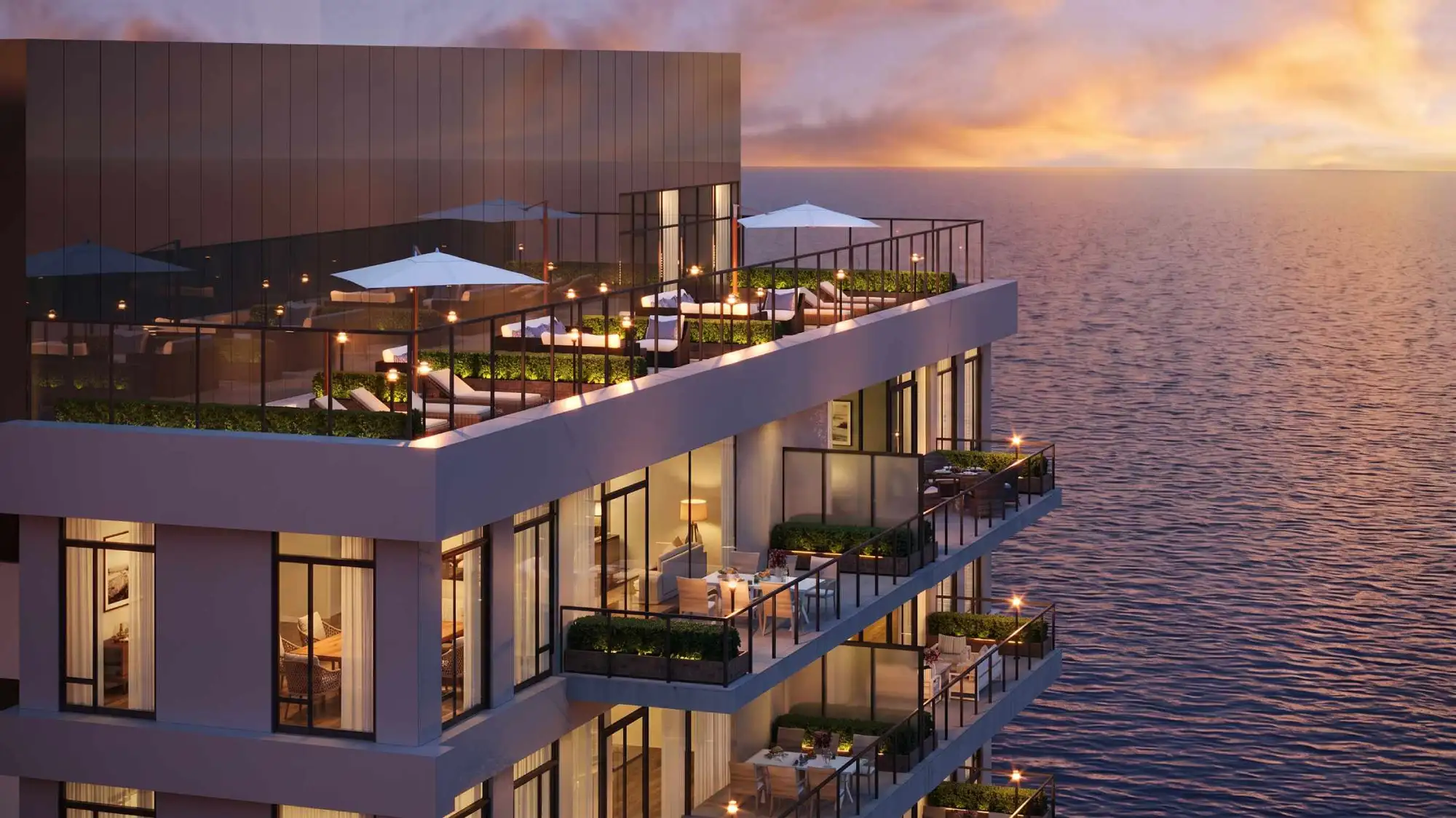
8 min read
Hybrid Rendering in 2026: Why Architects Need Both V-Ray and Unreal Engine 5
When to pair V-Ray stills with UE5 walkthroughs on multifamily and mixed-use jobs—deliverables, cost drivers, and how The Render Café scopes hybrid work.
Read article →
8 min read
How Much Does Architectural 3D Rendering Cost in 2026? A Transparent Breakdown
What drives architectural 3D rendering cost in 2026: cameras, context, materials, lighting, and revisions. Packages from $1,000+ with clear scopes.
Read article →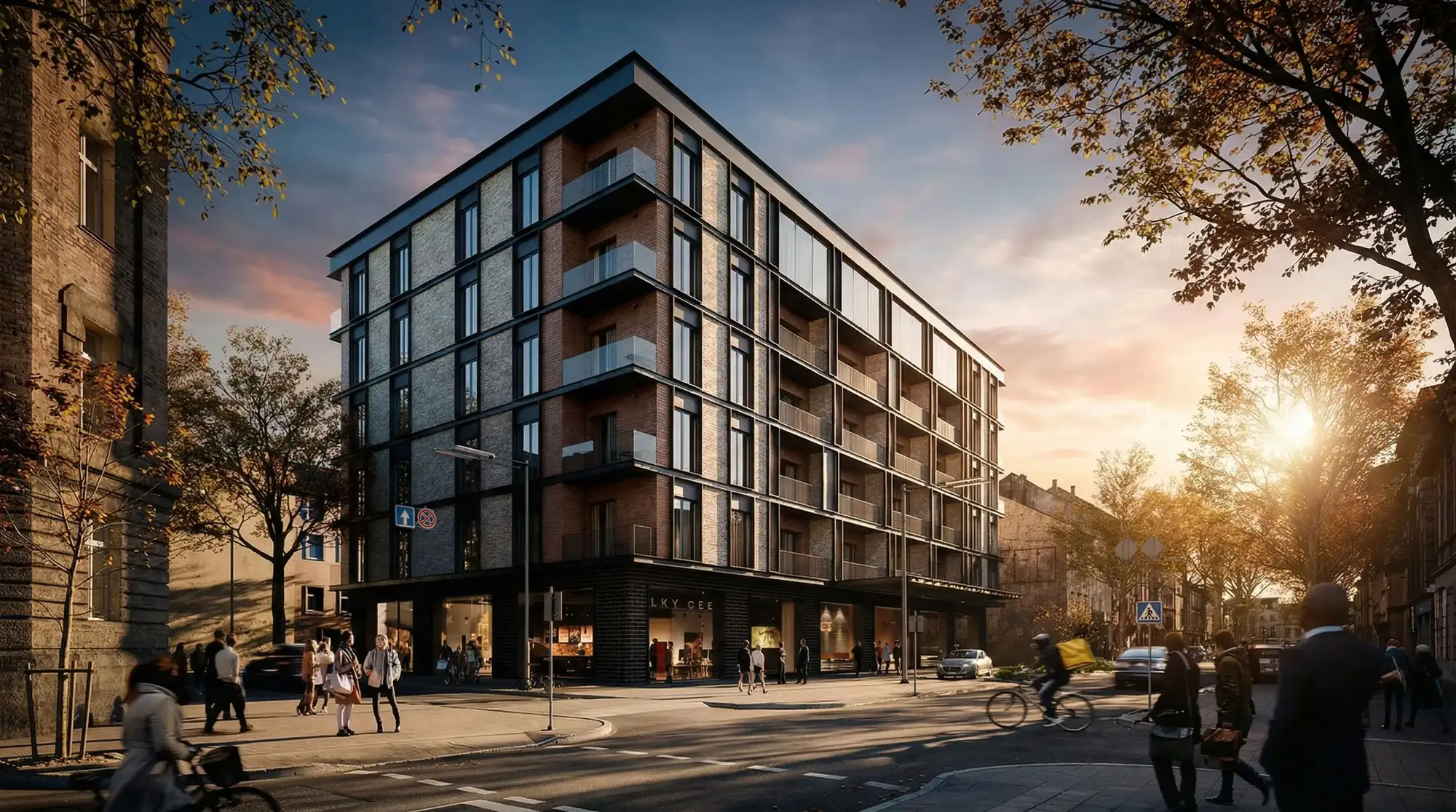
8 min read
Pre-Sales Render Packages That Actually Convert Multifamily Buyers
A real multifamily pre-sales kit: exteriors, unit interiors, amenities, and floor plans—plus files needed, revision flow, and what delays delivery.
Read article →